


Introduction
Relocating to a new home brings excitement, but it also comes with the challenge of safely transporting your valuable belongings—especially electronics. From televisions and laptops to gaming consoles and home office equipment, these items are not only expensive but also delicate. Proper packing ensures they arrive at your new place in perfect working condition, saving you from unnecessary stress and repair costs.
In this guide, you’ll learn how to pack and move electronics carefully, with practical tips and detailed steps to protect your devices throughout the moving process.
Why Proper Packing of Electronics Is Important
Electronics are more fragile than most household items. Unlike furniture or clothing, they contain sensitive internal components that can be damaged by shocks, vibrations, or environmental conditions. Even a small drop or exposure to moisture can render a device unusable.
Additionally, improper packing can lead to tangled cables, missing accessories, or confusion during setup in your new home. Taking the time to pack electronics properly ensures not only their safety but also a smoother unpacking and reinstallation process.
Gathering the Right Packing Materials
Before you begin, it’s essential to have the proper packing supplies on hand. Ideally, you should use the original boxes that came with your devices, as they are specifically designed for protection. However, if those are no longer available, sturdy moving boxes combined with high-quality cushioning materials can work just as well.
Materials like bubble wrap, foam inserts, packing paper, and anti-static wraps help shield electronics from shocks and static electricity. You’ll also need zip-lock bags for organizing cables and markers for labeling everything clearly. Having these materials ready beforehand will make the packing process far more efficient.
Step-by-Step Guide to Packing Electronics
Back Up Your Data First
Before unplugging anything, take a moment to secure your data. Backing up files to cloud storage or an external hard drive ensures that even if something goes wrong during the move, your important information remains safe. This step is especially crucial for computers, laptops, and smartphones.
Document Your Setup
It may seem like a small detail, but taking photos of your device setups can save you a lot of time later. Capture how cables are connected and how devices are arranged. When you’re setting everything up in your new home, these images will act as a quick reference guide.
Disconnect and Organize Cables Carefully
Once you begin unplugging your devices, avoid rushing. Carefully remove each cable, coil it neatly, and secure it with a tie or rubber band. Place cables in labeled bags and, if possible, assign them to their respective devices. This simple step prevents confusion and frustration later.
Wrap and Protect Each Device
Proper wrapping is key to preventing damage. Start by wrapping screens—such as those on TVs, monitors, and tablets—with a soft cloth or foam sheet to avoid scratches. Then, cover the entire device with bubble wrap or anti-static material.
For highly sensitive electronics, anti-static wrapping is particularly important, as it prevents damage caused by static electricity. Avoid using materials that may generate static or leave residue on screens.
Choose the Right Box and Cushioning
Place each wrapped item in a box that fits it comfortably, leaving enough space for cushioning. Fill any empty spaces with packing paper or foam to prevent movement during transit. The goal is to keep the device snug without applying too much pressure.
If you’re packing multiple items in one box, make sure they are separated by layers of padding to avoid contact.
Seal and Label Boxes Clearly
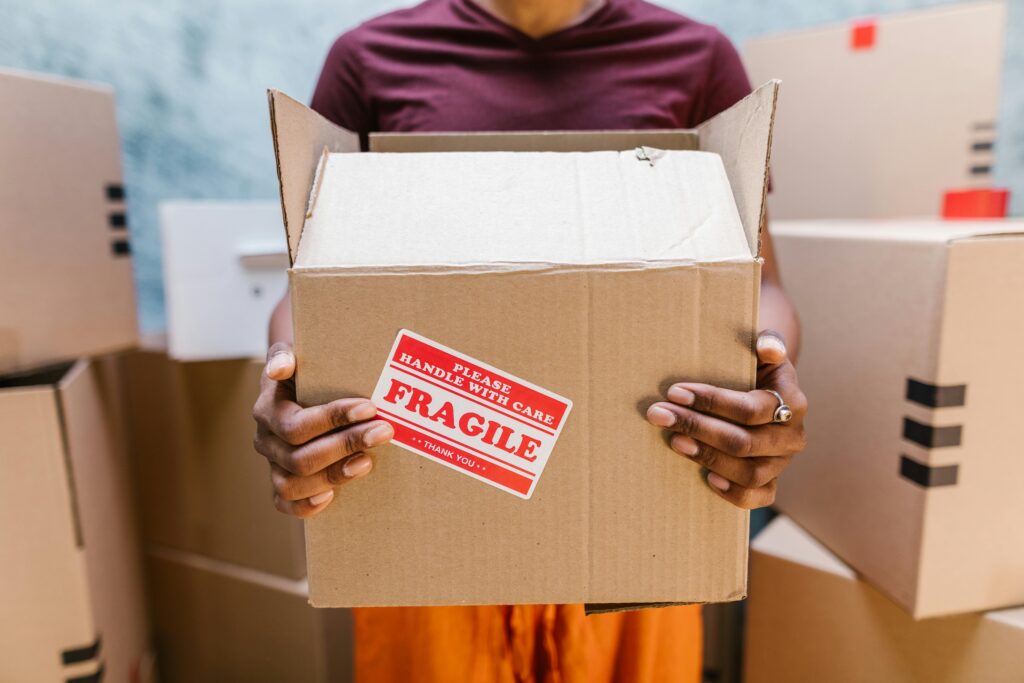
Once packed, seal the boxes securely with strong packing tape. Label each box as “FRAGILE” and “ELECTRONICS,” and indicate the correct orientation with “THIS SIDE UP” where necessary. Clear labeling ensures that anyone handling your treats it with care.
Special Considerations for Different Electronics
Larger items like televisions and monitors require extra attention. These should always be transported upright and, if possible, in their original packaging or specially designed TV boxes. Screens are particularly vulnerable, so additional padding is essential.
Laptops, tablets, and other portable devices are best kept in padded sleeves and, ideally, transported with you rather than in a moving truck. This minimizes the risk of damage or loss.
For desktop computers, consider removing internal components such as graphics cards if you’re comfortable doing so. Secure any loose parts and use anti-static wrapping to protect sensitive hardware.
Transporting Electronics Safely
Even with perfect packing, transportation plays a major role in keeping your electronics safe. Avoid exposing boxes to extreme temperatures, as heat and cold can damage internal components. Ensure boxes are placed in a stable position where they won’t shift or have heavy items stacked on top of them.
Whenever possible, keep high-value electronics in your personal vehicle. This gives you better control over handling and environmental conditions.
Common Mistakes to Avoid
Many people underestimate the importance of preparation when moving electronics. Skipping data backups, using low-quality packing materials, or leaving empty spaces in boxes can all lead to damage. Similarly, failing to label cables or boxes properly often results in unnecessary hassle during unpacking.
Being mindful of these common mistakes can make a significant difference in how smoothly your move goes.
FAQs
Should I keep original boxes for electronics?
Yes, original boxes provide the best fit and protection, making them ideal for moving.
Can electronics be damaged by temperature during a move?
Yes, extreme heat or cold can harm internal components, so it’s important to keep them in stable conditions.
Is it better to carry electronics personally?
Whenever possible, yes. Carrying valuable electronics yourself reduces the risk of damage or loss.
How do I prevent cable confusion after moving?
Label each cable and store it in a separate bag assigned to its device.
Are anti-static materials necessary?
They are highly recommended for sensitive electronics, as they protect against static discharge.
Conclusion
Packing and moving electronics requires patience and attention to detail, but the effort is well worth it. By backing up your data, organizing cables, using proper packing materials, and handling each device with care, you can significantly reduce the risk of damage.
A well-planned approach not only protects your valuable gadgets but also makes setting them up in your new home quick and hassle-free. With the right preparation, you can focus on enjoying your move instead of worrying about your electronics.